
Intelligent Automation Impact

Why Is Intelligent Automation Different From Simple Process Automation?

app-bx-1
Beyond Rules, Into Judgement

Simple automation handles structured, predictable inputs. Intelligent automation uses AI to handle unstructured documents, exceptions, ambiguous cases and judgment calls that rule-based RPA cannot manage.

app-bx-2
Scale Without Headcount

The same pipeline that processes 100 documents a day can process 10,000 with no additional cost or staff. It is the compounding efficiency gain that changes unit economics.

app-bx-3
Frees People for Real Work

When AI handles data entry, document processing, report generation and routine decisions, your team focuses on work that requires human judgement. Output per person increases. Errors decrease.

Intelligent Automation Impact

What Intelligent Automation Services Does Fortmindz Offer?

  • Document Processing Automation

  • Workflow Automation with AI

  • RPA with Intelligent Exception Handling

  • Multi-System Integration Automation

uiux-tabimg
Extract, Classify and Act on Documents Automatically

AI document processing pipelines that extract structured data from invoices, contracts, forms and unstructured documents — classifying content, routing to the right systems and triggering downstream actions. No manual data entry.

uiux-tabimg
Business Processes That Run Themselves

Multi-step business workflow automation using AI decision-making — approval routing, exception handling, priority scoring and downstream system updates. Connected to your existing tools via APIs, webhooks and RPA where needed.

uiux-tabimg
When APIs Do Not Exist — We Still Automate

Robotic process automation for legacy systems and web interfaces with no API — with AI-powered exception handling that manages edge cases rather than failing. Combining RPA with LLM reasoning creates automation that works on real business data.

uiux-tabimg
One Action — Everything Updates

Event-driven integration automation keeping multiple systems in sync — when a contract is signed, the CRM updates, the invoice generates, the project creates and the onboarding email sends. Without anyone touching a keyboard.

Industries We Serve

Which Industry Do You Need Intelligent Automation For?

Business isn't one size fits all. Every industry requires a custom solution. Learn more about how we've helped businesses in your industry by clicking below.

Case Studies

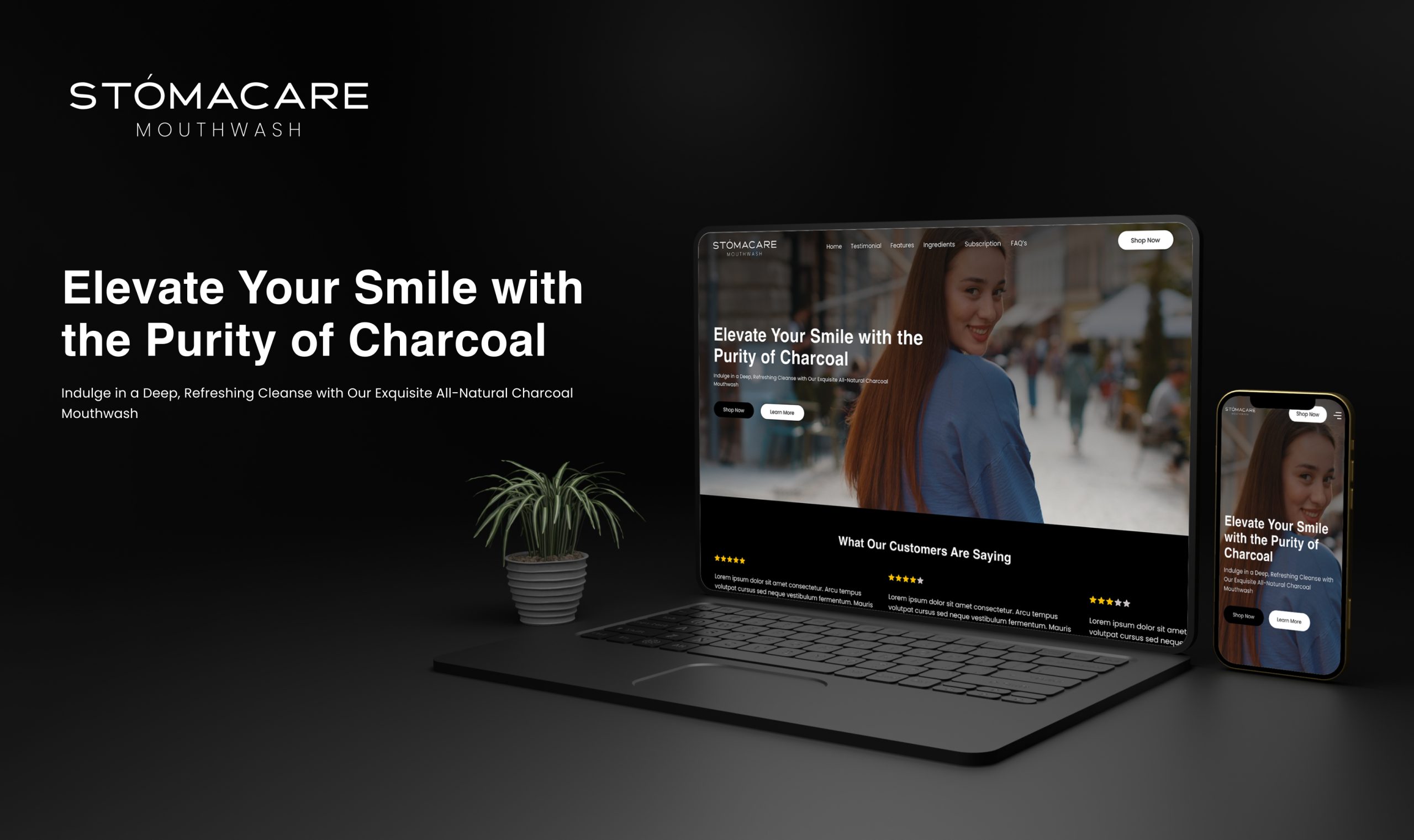
Intelligent Automation Work That Delivered Real Results.

See how we've helped startups and enterprises with intelligent automation — delivering measurable outcomes.

huso
image_original
csd-img3
Untitled-40-x-24-in-1
sec4-img

Trusted Intelligent Automation Partner of Leading Companies.

From startups to enterprises — businesses in 15+ countries trust Fortmindz for intelligent automation that delivers measurable outcomes.


Intelligent Automation Process

Our Intelligent Automation Workflow

At Fortmindz, our automation process starts with measurement and ends with proof. Every automation we build is justified by a quantified ROI case before development begins, and validated against real performance metrics after deployment.

Steps

  • Process Assessment & ROI Qualification
  • Automation Design & Exception Mapping
  • Automation Development
  • Testing & Parallel Running
  • Production Deployment & Cutover
  • Continuous Optimisation

We Only Automate What Is Worth Automating.

We begin by mapping your candidate processes — documenting the current steps, time spent, error rate, volume and cost. Not every process is worth automating. We qualify candidates against a clear ROI framework before recommending development.

discovery-1
Time & Cost Baseline

We measure the actual time and cost of the current manual process — interviewing the people who do it, not just the managers who oversee it, to get an accurate baseline.

discovery-2
Automation Feasibility Assessment

We assess each process for automation suitability — input consistency, exception rate, decision complexity and system accessibility — identifying what can be automated and at what cost.

discovery-3
ROI Projection

A written ROI projection for each candidate: development cost, ongoing maintenance cost, time saved per month, error reduction value and break-even timeline. We only recommend processes with a sub-12-month ROI.
Design the Exceptions Before You Build the Happy Path.

We design the complete automation — including every exception case, edge case and failure mode — before writing code. Automations that only handle the happy path fail under real-world conditions. Exception handling is where the real engineering work lives.

Process Flow Documentation

Complete automation flow documented in a visual process map — covering the primary path, all branching logic, exception routes and human escalation triggers.

Exception Catalogue

Every known exception case catalogued with its expected frequency, handling approach and escalation path — reviewed and approved before development begins.

Integration Architecture

All systems the automation must connect to identified, API documentation reviewed, and integration approach defined — before a line of code is written.

Built to Handle Real Data — Not Just Clean Test Cases.

We build the automation pipeline — document extraction, data validation, business logic, system integration and exception handling — tested against real data samples from the actual process, not sanitised test fixtures.

Core Pipeline Development

The primary automation path built and tested against real data — processing inputs, applying business logic and producing the correct outputs for the standard case.

Exception Handling Development

Each exception case from the catalogue built and tested — the AI-powered triage layer, human escalation routing and notification system.

System Integration Build

All system integrations developed and tested — API connections, webhook handlers, data transformation layers and error recovery for integration failures.

Tested Against Real Volume Before Any Cutover.

We run the automation in parallel with the existing manual process for a defined period — processing the same inputs through both the automation and the manual team, and comparing outputs. We cut over only when error rates are within the agreed acceptance threshold.

Unit & Integration Testing

Individual components tested in isolation, then the complete pipeline tested end-to-end — against the full range of input variations identified in discovery.

Parallel Run Period

The automation processes real inputs alongside the existing manual process for 2-4 weeks — outputs compared, discrepancies investigated and the automation improved until accuracy targets are met.

The automation processes real inputs alongside the existing manual process for 2-4 weeks — outputs compared, discrepancies investigated and the automation improved until accuracy targets are met.

Deliberately unusual inputs — malformed documents, unexpected data values, missing fields — tested to verify the exception handling behaves as designed under real-world variation.

Controlled Cutover. Monitored Performance. Documented Results.

We manage the cutover from manual process to automated process — staged where appropriate, with monitoring to detect and resolve issues immediately. We document the actual time and cost savings achieved in the first month to validate the ROI projection.

Staged Cutover

Automation deployed to production at reduced volume first — scaling to full volume once real-world performance is confirmed to match the parallel run results.

Operations Dashboard

A monitoring dashboard configured — processing volume, success rate, exception rate, processing time and queue depth — visible to the operations team who own the process.

ROI Measurement

First-month performance measured against the pre-automation baseline — processing time, error rate, exception volume — to produce the documented ROI the business case projected.

Lower Exception Rates. Higher Throughput. Lower Cost Per Transaction.

After cutover, we review exception patterns weekly, improve the AI triage layer and expand automation coverage — progressively reducing the manual intervention rate as the system learns from real-world exceptions.

Exception Pattern Review

Weekly analysis of exception cases — identifying whether they represent genuine edge cases, data quality issues or automation logic gaps that can be resolved with development work.

Accuracy Improvement

Iterative improvement of extraction accuracy, classification precision and business rule handling — based on patterns in the exception cases the system has seen in production.

Coverage Expansion

Once the primary process is stable, we extend automation coverage to adjacent processes — building the broader automation programme from the proven foundation.

Insights & Resources

Intelligent Automation Insights & Resources by Fortmindz

insights-3
  • #AI/ML
Design Thinking for Scalable Digital Products

INTRODUCTION Artificial Intelligence is no longer a futuristic add-on in product design—it is now the…

insights-2
  • #AI/ML
  • #Cloud Migration
  • #User Experience
Top 7 Cloud Migration Challenges & Solutions

INTRODUCTION Artificial Intelligence is no longer a futuristic add-on in product design—it is now the…

insights-1
  • #AI/ML
  • #Cloud Migration
  • #User Experience
How AI is Transforming User Experience in 2025

Discover how AI-driven design is reshaping digital products worldwide.

What Our Clients Say

Real Words From Real Clients — Across 15+ Countries.

Why Choose

Why Businesses Choose Fortmindz for Intelligent Automation.

why-choose-img
  • Feature
    Fortmindz
    Typical Agency
  • Intelligence Layer
    AI decision-making handles exceptions, ambiguous data and edge cases
    Rule-based logic fails on data that does not match expected format
  • Document Handling
    Unstructured document processing (PDFs, emails, forms) using AI extraction
    Structured data only — requires clean, consistent input formats
  • Exception Management
    AI-powered exception routing with human escalation for genuinely complex cases
    Process fails or queues all exceptions for manual review
  • Integration
    API-first with RPA fallback for legacy systems — no system left behind
    API-only — legacy systems without APIs block the automation
Explore More arrow-long-right
FAQs

Frequently Asked Questions About Intelligent Automation

RPA vs intelligent automation?

RPA automates structured, rule-based tasks by mimicking user actions — clicking, copying, pasting. It breaks when screens change or inputs vary. Intelligent automation adds AI to the logic layer — handling unstructured data, making judgment calls, managing exceptions and learning from outcomes.

Which processes are best suited for automation?

High-volume, repetitive, data-intensive and time-consuming processes that involve enough variability that pure rule-based automation struggles. Invoice processing, document extraction, lead scoring, client onboarding, report generation, CRM hygiene and compliance monitoring are among the highest-ROI targets.

How long does it take to build an automation pipeline?

A focused document processing pipeline (invoice extraction to ERP entry) takes 4-8 weeks. A multi-step workflow automation connecting 3-5 systems takes 6-12 weeks. A comprehensive programme covering multiple processes takes 3-6 months in phases. We start with the highest-ROI process first.

What tools do you use for automation?

We build custom automation pipelines using Python, Node.js and LLM APIs. For workflow orchestration we use n8n, Airflow or custom event-driven architectures. For RPA where needed we use Playwright or Puppeteer. We integrate with Zapier, Make and native APIs where appropriate.

How do you measure automation ROI?

We establish baseline metrics before automation — time per task, error rate, volume, headcount. We measure the same metrics post-automation and calculate time saved, error reduction and cost per transaction. Most intelligent automation projects achieve ROI within 3-6 months.

What happens when the automated process encounters an exception?

We build exception handling with AI-powered triage at the first layer — the AI assesses whether the exception can be resolved automatically. Exceptions it cannot resolve are routed to a human with full context, suggested resolution and priority scoring. Humans only touch cases requiring genuine judgement.

Explore with us

Ready to Get Started with Intelligent Automation?

Tell us what you need. We'll come back within 24 hours with a specific technical approach, honest timeline and zero-obligation proposal.

Start the Conversation arrow-long-right

Leaving already?

Hear from our clients and why 3000+
businesses trust Fortmindz

user-img1
Jeff Hardy
Founder of DBPL
★★★★★

“Essential Designs was able to create a cutting edge application that will save lives, they always say "Anything can be done" and are definitely able to deliver on that promise.”

user-img1
Sarah Lee
CEO, Startify
★★★★

“Essential Designs was able to create a cutting edge application that will save lives, they always say "Anything can be done" and are definitely able to deliver on that promise.”

Tell us what you need, and
we'll get back with a cost and
timeline estimate

    • In just 2 mins you will get a response
    • Your idea is 100% protected by our Non Disclosure Agreement.

    Submit

    arrow-long-right